
GlassWorm has compromised 400+ components across five waves since October 2025. VS Code extensions, npm packages, GitHub repositories, Python packages. The malicious code hides inside invisible Unicode characters that render as nothing in most popular code editors, terminals, and code review interfaces - including VS Code, Cursor, and GitHub's web UI. You cannot see it. Your linter cannot see it. grep cannot find it.
We built a glassworm-hunter to solve this. It is an open-source Python CLI scanner that detects GlassWorm payloads by identifying invisible Unicode clusters, decoder patterns, C2 fingerprints, and credential harvesting code. One command to scan your extensions, packages, and repositories.
GlassWorm in 60 Seconds
GlassWorm is a self-propagating supply chain worm that hides malicious payloads inside invisible Unicode variation selector characters. These characters render as nothing in most mainstream code editors, terminals, and code review interfaces. The decoder that reconstructs the payload is visible JavaScript, but the payload itself is not. It targets VS Code extensions, npm packages, and GitHub repositories - making it a glassworm vscode extension worm that spreads through the tools developers trust most.
First discovered by Koi Security in October 2025, GlassWorm has evolved through five distinct waves. Wave 2 hit real victims including a Middle Eastern government entity. Wave 3 pivoted to compiled Rust binaries with heavier obfuscation.
The macOS pivot in Wave 4 added encrypted JavaScript payloads and hardware wallet trojanization.
Wave 5 in March 2026 was the largest. 150+ GitHub repositories compromised, 4 malicious npm packages, AI-generated commit messages for camouflage.
72 Open VSX extensions were hit via transitive dependencies - developers who never installed anything malicious directly still had compromised code in their extension stack. Across all five waves, the campaign has touched 400+ components. The Solana blockchain serves as C2 - the attacker queries wallet transactions for memo fields containing next-stage payload URLs every five seconds.
What glassworm-hunter Detects
The scanner runs 14 detection rules across two layers: technique detection and known IOC matching.
Invisible Unicode cluster detection
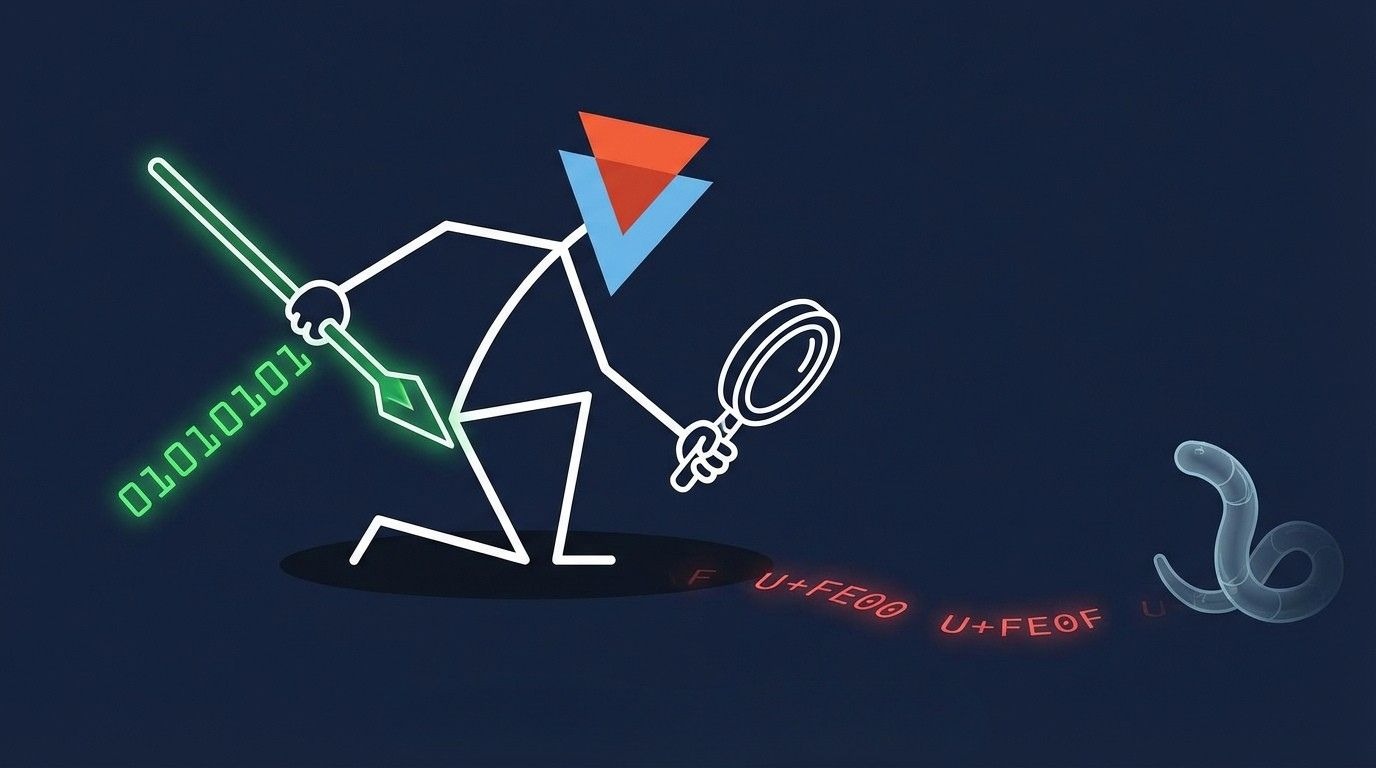
GlassWorm encodes entire JavaScript payloads as sequences of Unicode variation selector characters — U+FE00 through U+FE0F (16 selectors) and U+E0100 through U+E01EF (240 supplementary selectors). These characters produce no visible output in most editors and terminals with standard UTF-8 rendering, though behavior may vary in editors with explicit Unicode visualization (e.g., vim with `listchars`, or hex editors). Legitimate use of variation selectors involves 1-2 characters for emoji rendering. GlassWorm payloads contain thousands.
glassworm-hunter counts variation selector clusters per line. Three or more consecutive variation selectors trigger a MEDIUM finding. Ten or more in a JavaScript or TypeScript file trigger a CRITICAL finding. This is the core detection rule.
GlassWorm decoder pattern matching
The invisible characters are useless without a decoder. GlassWorm's decoder follows a recognizable pattern: codePointAt() called on each character, arithmetic against variation selector hex constants (0xFE00, 0xE0100) to reconstruct byte values, then eval() or new Function() to execute the result. Unlike the encoded payload, the decoder itself is visible JavaScript code. It can be spotted during manual code review - but in practice it is often buried alongside legitimate code, and the combination of codePointAt() with hex arithmetic does not immediately look malicious to a reviewer unfamiliar with this technique.
glassworm-hunter detects this pattern within a 500-character window. The tight window is deliberate - it prevents false positives from minified bundles where these hex values might appear thousands of characters apart as unrelated numeric constants.
C2 fingerprinting
GlassWorm uses unconventional C2 channels. glassworm-hunter flags Solana RPC method calls (getTransaction, getSignaturesForAddress) in non-blockchain code, Google Calendar URLs, WebRTC data channel creation, and BitTorrent DHT operations. Context-aware severity: if the filename suggests legitimate crypto or calendar functionality, the finding is downgraded to MEDIUM instead of HIGH.
Credential harvesting detection
GlassWorm propagates by stealing developer credentials. The scanner detects code reading .npmrc, .git-credentials, SSH private keys (id_rsa, id_ed25519), token environment variables (NPM_TOKEN, GITHUB_TOKEN, GH_TOKEN, OPEN_VSX_TOKEN), and browser credential stores.
Additional detections
The Trojan Source attack (CVE-2021-42574) uses Unicode bidirectional override characters to make source code appear different to humans than to compilers. glassworm-hunter detects these characters in code files. It also flags Hangul filler characters (U+3164) - invisible but valid JavaScript identifiers that can serve as backdoor variable names.
Each of the 14 detection rules can be disabled individually with --disable-rule. Run glassworm-hunter rules to see all rule IDs.
Quick Start
Install from PyPI and run your first scan.
pip install glassworm-hunter
glassworm-hunter scan
Also available via pipx: pipx install glassworm-hunter.
With no arguments, glassworm-hunter scan checks your current directory and all installed VS Code, Cursor, and Codium extensions. A clean scan looks like this:
glassworm-hunter v0.1.0

Scanned 1,247 files, 0 findings.
A CRITICAL detection looks different:
CRITICAL  Invisible Unicode payload: 4,312 variation selectors
          extensions/suspicious-theme/extension.js:847
          Decoded payload preview: var _0x5a2b=...

Scanned 1,247 files, 1 finding.
Severity levels:
- CRITICAL - active GlassWorm payload detected (invisible Unicode cluster in code, decoder pattern)
- HIGH - known malicious IOC matched (C2 IP, wallet, extension dependency on known malware)
- MEDIUM - suspicious pattern worth reviewing (eval with dynamic content, credential access, Trojan Source)
- LOW - informational (unusual zero-width character density)
The scanner is available on glassworm-hunter on GitHub.
What glassworm-hunter Scans
The scanner covers six target types:
- VS Code / Cursor / Codium extensions - auto-detected using platform-specific paths. This is the primary glassworm vscode extension worm vector, so extension scanning runs by default with no configuration needed.
- npm packages - scans node_modules directories recursively.
- Python packages - scans pip site-packages directories. Use --pip-scan to enable. This vector is under-covered by other GlassWorm tools.
- Git repositories - scans .git working trees.
- Arbitrary directories - pass any path as an argument.
- File type intelligence - severity escalation for .js and .ts files where GlassWorm payloads execute. Lower concern for config and markup files. Automatic binary skipping for images, archives, and compiled files.
See It in Action - Video Demo
We recorded a quick demo showing glassworm-hunter scanning a local project directory. The demo was recorded with the --no-extensions flag to skip VS Code extension scanning and focus purely on project directory analysis. You will see the installation, a directory scan, and the console output as findings are reviewed.
CI/CD Integration
.jpg)
GitHub Actions example
Copy this into your workflow file:
- name: Scan for GlassWorm
  run: |
    pip install glassworm-hunter
    glassworm-hunter scan . --format sarif --output results.sarif --no-extensions

- uses: github/codeql-action/upload-sarif@v3
  with:
    sarif_file: results.sarif
The --no-extensions flag is important in CI. CI runners do not have VS Code installed - skipping extension scanning avoids unnecessary warnings and speeds up the pipeline.
Exit codes

Use exit codes to gate your pipeline: glassworm-hunter scan . --severity critical --no-extensions || exit 1
JSON output
For custom processing in other CI systems:
glassworm-hunter scan . --format json --output report.json --no-extensionsProject configuration
exclude:
  - "*.min.js"
  - "vendor/**"
  - "dist/**"

disable_rules:
  - zero-width-chars

severity: medium
CLI flags override config file values. This lets you keep project-wide defaults in version control while allowing individual developers to adjust behavior locally.
Offline by Default, Updatable When You Choose
glassworm-hunter makes zero network requests during scanning. No telemetry. No phone-home. No automatic update checks. It reads local files only.
The IoC database uses a 4-layer system, where each layer merges on top of the previous:
- Hardcoded - built into the Python source code, always available even without the data file
- Bundled - data/ioc.json shipped with the package (21 extensions, 4 npm packages, 14 C2 IPs, 3 Solana wallets)
- User-local - ~/.glassworm/ioc.json, created by glassworm-hunter update
- Custom - --ioc-file flag for team-specific or organizational threat intelligence
glassworm-hunter update is the only command that touches the network. It fetches the latest IoC database from our GitHub and saves it locally. You decide when to run it. For teams with internal threat intelligence feeds, --ioc-file lets you load additional indicators from your own JSON file.
If You Find Something
Triage by severity:
CRITICAL - uninstall the extension or package immediately. Do not run, build, or test the affected project. Rotate your NPM tokens, GitHub tokens, SSH keys, and every credential on the machine. GlassWorm exfiltrates credentials for self-propagation - assume they are compromised.
HIGH - investigate the flagged file. If it is in a dependency you did not explicitly install, remove it. Check the dependency chain to understand how it entered your project.
MEDIUM - review the code in context. These patterns are suspicious but may be legitimate in some cases. An eval() in a test harness is different from an eval() in a transitive dependency.
LOW - informational. Worth a glance but rarely actionable on its own.
For false positives or new IOC submissions, open an issue on the glassworm-hunter GitHub repository.
Who are we?
We are an offensive security firm with 150+ published CVEs in enterprise software from vendors including SAP, Microsoft, IBM, CyberArk, Rapid7, and F5. Supply chain security is a natural extension of our offensive approach - uncovering weaknesses across the software ecosystem before adversaries can weaponize them at scale.
glassworm-hunter is MIT-licensed, open-source, and free. We built it because the GlassWorm detection gap is real and the existing tools are not enough. If it helps you catch something, let us know.
Frequently Asked Questions
Does glassworm-hunter detect all 5 waves of GlassWorm?
Yes. The technique detection layer catches all five waves because it detects the encoding method itself - invisible Unicode variation selector clusters and the decoder pattern that reconstructs executable code from them. Every GlassWorm wave has used this fundamental technique with different payloads. The IOC matching layer covers all known extensions, packages, IPs, and wallets from every wave as a supplementary check. Note that wave numbering (1–5) is our classification based on publicly documented incidents. Other researchers may use different groupings.
Is glassworm-hunter safe to run on production systems?
Yes. The scanner is read-only and fully offline. It does not execute, modify, or delete any files. It does not send data anywhere. The only command that makes a network request is glassworm-hunter update, and you have to run it explicitly.
How is glassworm-hunter different from YARA rules for GlassWorm?
YARA rules match byte patterns from specific analyzed GlassWorm samples. glassworm-hunter detects the encoding technique itself (invisible Unicode clusters, the decoder pattern using codePointAt() and variation selector arithmetic) plus behavioral indicators (C2 communication patterns, credential harvesting). It also covers VS Code extensions, npm packages, pip packages, and git repositories in a single scan - YARA requires you to wire up file scanning separately.
Can glassworm-hunter scan Python packages for GlassWorm?
Yes. Use the --pip-scan flag: glassworm-hunter scan --pip-scan. This scans your Python site-packages directory. The Python vector - including the ForceMemo campaign in March 2026 where hundreds of GitHub Python repositories were compromised via account takeover and force-push - is under-covered by other glassworm detection tools that focus exclusively on VS Code extensions.
Does glassworm-hunter work in CI/CD pipelines?
Yes. It outputs SARIF for GitHub Code Scanning, JSON for custom processing, and returns structured exit codes (0 = clean, 1 = findings, 2 = error) for pipeline gating. Use --no-extensions in CI environments since runners do not have VS Code installed. See the CI/CD section above for a copy-pasteable GitHub Actions workflow.
Can glassworm‑scanner detect every case with 100% accuracy?
No. No security tool is. The threat landscape shifts with every new campaign - attackers change infrastructure, swap C2 channels, and adjust obfuscation between waves. Detection rules typically appear after a campaign is analyzed, not before. That is the nature of threat intelligence.
We upgrade the detection engine regularly as new GlassWorm variants surface and new attack patterns are documented. The technique detection layer (invisible Unicode clusters, decoder patterns) is more durable than IoC matching because it targets the encoding method rather than specific indicators - but it is not immune to evolution either. Like any scanner, glassworm-hunter can produce false positives. A variation selector cluster in a legitimate emoji font file, a codePointAt() call in a Unicode library, a Solana RPC call in an actual blockchain project - these are patterns the scanner flags because they overlap with GlassWorm techniques. Context-aware severity helps (the scanner downgrades findings when filenames suggest legitimate use), but it does not eliminate every false positive. Our team works to reduce the false positive rate with each release. If you hit one, open an issue - it directly improves the next version.